How Do I Pin Routing to a Specific Provider?
Most reliability strategies keep several providers available. Some workloads need the opposite: a compliance requirement may allow only one named provider, prompt caching may depend on consistent routing, or a BYOK credential may work with one host.
In those cases, restrict the eligible providers explicitly and verify that the Gateway does not silently route elsewhere.
A strict provider restriction must return an error when it cannot be honored. Silent fallback would violate the configured requirement.
Outcome
Pin the order flow to a single provider with only, and prove from the routing metadata that no fallbacks were considered.
Fast Track
- Add
only: ["anthropic"]underproviderOptions.gateway - Run
pnpm pin-provider - Read
finalProviderand the empty fallback list off the output
Hands-on exercise
Requirements:
- A
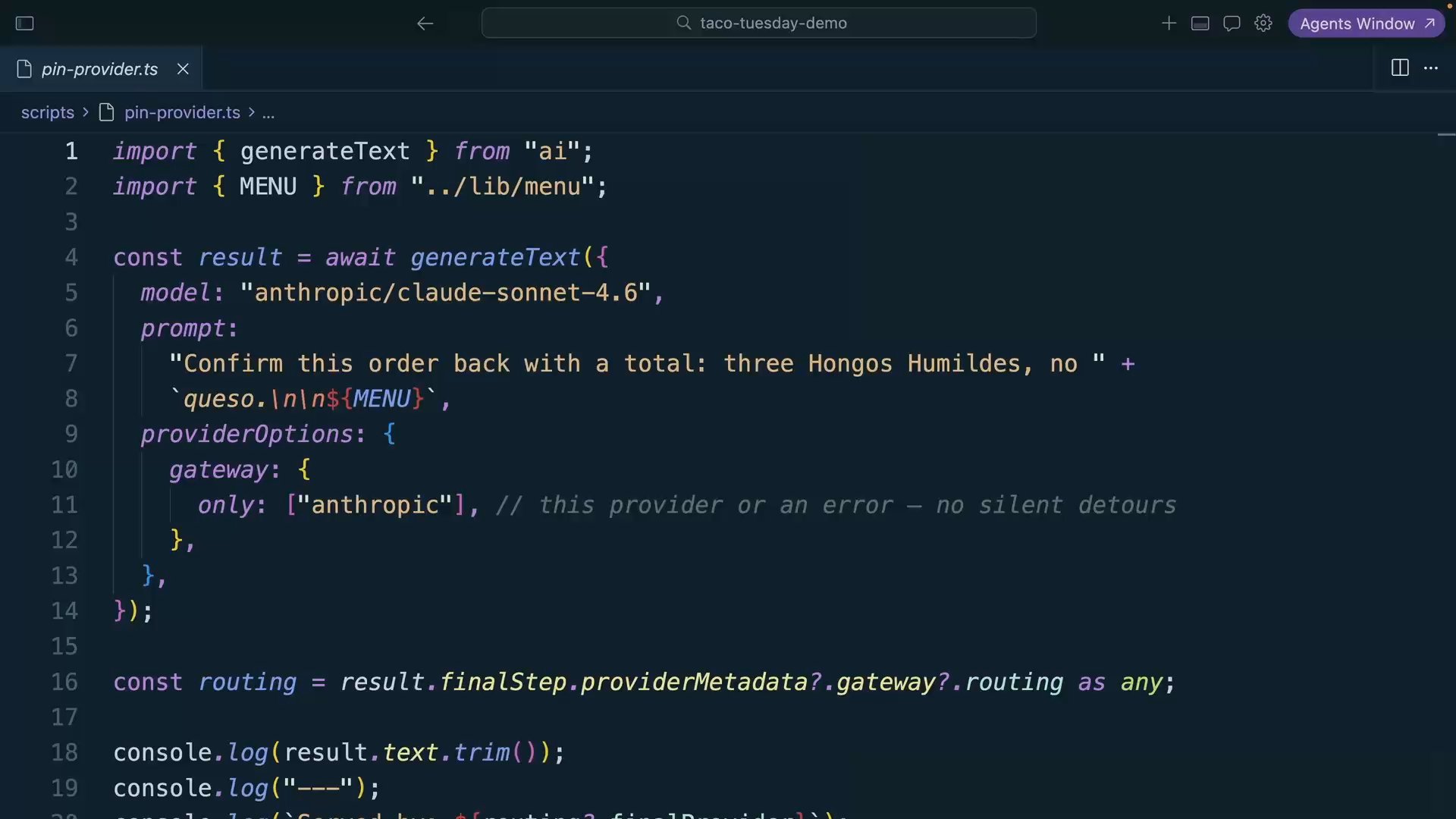
scripts/pin-provider.tsthat sends the order-confirmation prompt toanthropic/claude-sonnet-4.6 only: ["anthropic"]: Anthropic direct, or an error- Print who served the request and which fallbacks were considered (the answer should be none)
Calling the provider directly would create a separate integration with its own key, billing, and observability. Keeping the request in AI Gateway preserves centralized management while enforcing the provider restriction.
Try It
pnpm pin-providerThree Hongos Humildes, no queso — that's $12.00 even. The mushrooms thank you.
---
Served by: anthropic
Fallbacks considered: none — pinned
Served by: anthropic identifies the selected provider, and none — pinned confirms that the Gateway considered no alternatives. In the outage lesson, fallbacksAvailable instead lists the eligible fallback providers.
Two issues you may encounter:
You get no_providers_available. The pinned provider may be unavailable or may not serve the selected model. If the provider is a preference rather than a requirement, use order so another eligible provider can run the request.
Your pin names a provider that doesn't serve your model. only filters the providers that exist for the model; it can't summon new ones. Check the model's page in the model list for which providers actually serve it before writing the pin into config.
Pinning a provider creates a single point of failure for that request. Use it for features with a clear policy, caching, or credential requirement, and leave broader routing available elsewhere.
Commit
git commit -m "feat(routing): pin order confirmations to a single provider"Done-When
onlyconfigured and the script prints the pinned provider asfinalProvider- Fallbacks considered: none
- You can say when you'd use
onlyvsorderin one sentence each - You identified which features require a provider restriction and which can retain broader routing
Solution
import { generateText } from "ai";
import { MENU } from "../lib/menu";

const result = await generateText({
  model: "anthropic/claude-sonnet-4.6",
  prompt:
    "Confirm this order back with a total: three Hongos Humildes, no " +
    `queso.\n\n${MENU}`,
  providerOptions: {
    gateway: {
      only: ["anthropic"], // this provider or an error — no silent detours
    },
  },
});

const routing = result.finalStep.providerMetadata?.gateway?.routing as any;

console.log(result.text.trim());
console.log("---");
console.log(`Served by: ${routing?.finalProvider}`);
console.log(`Fallbacks considered: ${routing?.fallbacksAvailable?.join(", ") || "none — pinned"}`);
The request now carries an explicit provider boundary, and the routing metadata shows whether it was honored.
Related Questions
Was this helpful?