How Do I Run OpenCode Through the Gateway?
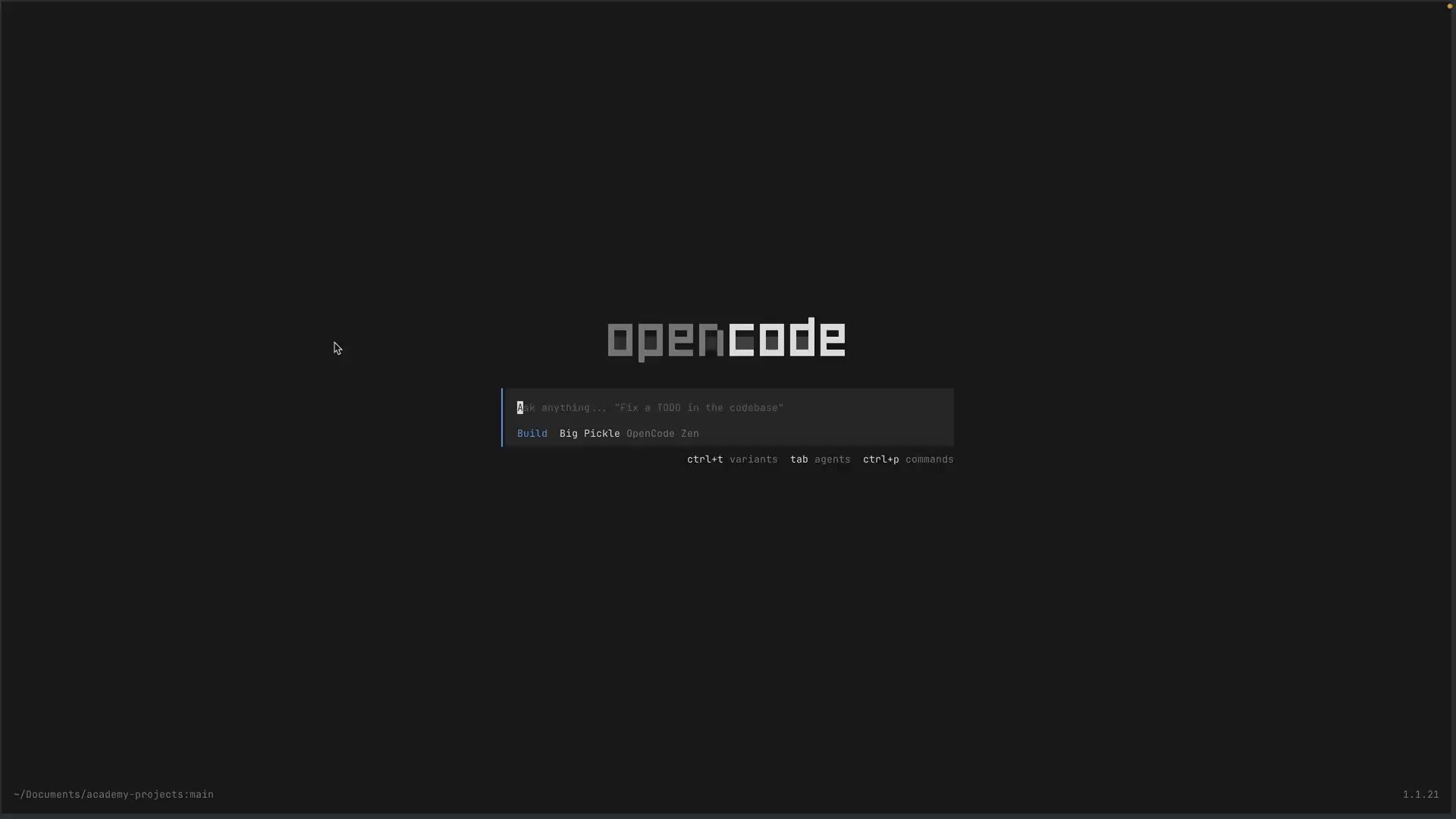
OpenCode includes Vercel AI Gateway in its provider list. Once the connection is saved, model selection happens in the same terminal interface you already use.
Outcome
Select a Gateway model in OpenCode and complete one read-only task without exposing the credential.
Fast Track
- Connect OpenCode to Vercel AI Gateway off camera or outside shared terminal history
- Open
/modelsand select a Gateway model - Run a small task in a throwaway repository
Hands-on exercise
Start with a throwaway repository containing demo.ts. Complete the /connect flow privately because it opens credential entry.
After the connection is saved, open the model picker:
/modelsChoose Vercel AI Gateway, then select an available model. The exact catalog changes, so use the picker rather than copying an old model ID from a screenshot.
Try It
Return to the OpenCode chat and ask:
Explain demo.ts in three bullets. Do not modify anything.The model should answer in the normal OpenCode interface. /models is the safe place to confirm the provider and selection without reopening a credential prompt.
If Vercel AI Gateway is missing, repeat the connection flow outside the recording or shared session. If the task fails after model selection, verify that the chosen model is still available to your team.
Done-When
/modelsshows Vercel AI Gateway- A Gateway model is selected
- OpenCode completes the read-only task
- No credential prompt or key value appears in the recording or repository
Solution
OpenCode stores the provider connection through its setup flow. Use /models for later model changes, and keep /connect for private setup sessions where credential entry will not be captured.
Related Questions
Was this helpful?