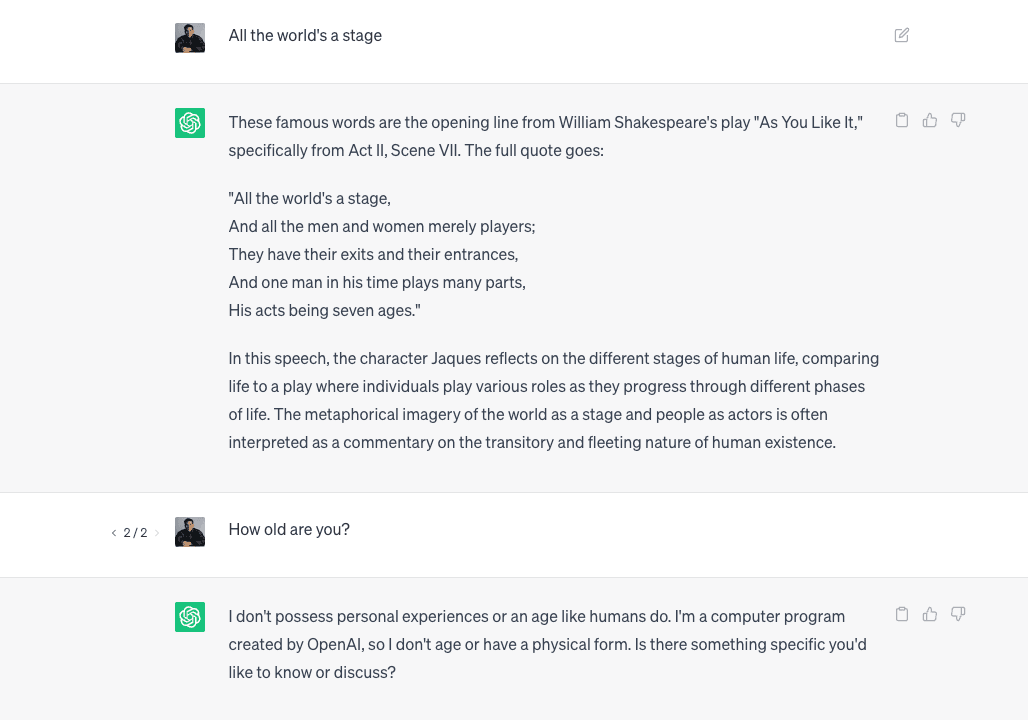
OpenAI recently announced fine-tuning for GPT-4o and GPT-4o mini, which allows developers to tailor gpt-4o and gpt-4o mini to fit their use case.
For context, GPT-4o is a Large Language Model that has been trained by OpenAI on a vast corpus of text data. It excels in a wide range of language tasks, including text completion, summarization, and even creative writing. OpenAI also offers GPT-4o mini, a smaller and more cost-efficient version of GPT-4o, which we will use in this guide.
However, since gpt-4o is trained on a massive dataset, it requires some direction to be able to perform a given task efficiently. This direction is provided in the form of a prompt, and the art of crafting the perfect prompt is known as prompt engineering.
For example, if you want GPT to come up with a few ideas for a new product, you could prompt it with something like this:
This specific prompt will guide gpt-4o to generate ideas that align with the given criteria, making the output more accurate.
While prompt engineering is an amazing way to get GPT to perform specific tasks, there are several limitations:
- Latency: Latency can be an issue when using
gpt-4oespecially with longer prompts. The more tokens there are, the longer it takes to generate a response. This can impact real-time applications or situations where quick responses are needed. - Quality of results: The quality of results from
gpt-4ocan vary depending on the prompt and context given. While it can generate impressive outputs, there may be instances where the responses are less accurate or coherent.
This is where fine-tuning models can come in handy.
Similar to prompt engineering, fine-tuning allows you to customize gpt-4o for specific use cases. However, instead of customizing them via a prompt every time the user interacts with your application, with fine-tuning you are customizing the base model of gpt-4o itself.
A great analogy for this is comparing Next.js' getServerSideProps vs getStaticProps data fetching methods:
getServerSideProps: Data is fetched at request time – increasing response times (TTFB) and incurring higher costs (serverless execution). This is similar to prompt engineering, where the customization happens at runtime for each individual prompt, potentially impacting response times and costs.-
getStaticProps: Data is fetched and cached at build time – allowing for lighting fast response times and reduced costs. This is akin to fine-tuning, where the base model is customized in advance for specific use cases, resulting in faster and more cost-effective performance.
Fine-tuning improves on prompt engineering by training on many more examples than can fit in a single prompt, which allows you to get better results on a variety of tasks.
With a fine-tuned model, you won't need to provide as many examples in the prompt to get a better model performance – which can save on token usage and allow for faster response times.
Fine-tuning language models like gpt-4o can be broken down into the following steps:
- Preparing your dataset
- Fine-tuning the model on your dataset
- Using your fine-tuned model
We have prepared a template featuring Shooketh – an AI bot fine-tuned on Shakespeare's literary works. If you prefer not to start from scratch, you can clone the template locally and use that as a starting point instead.
To start the fine-tuning process, you'll need to prepare data for training the model. You should create a diverse set of demonstration conversations that are similar to the conversations you will ask the model to respond to at inference time in production.
Each example in the dataset should be a conversation in the same format as OpenAI's Chat completions API, specifically a list of messages where each message is an object with the following attributes:
role: Can be either"system","user", or"assistant"content: A string containing the message
Then, we'll need to process this list of messages into a JSONL format, which is the format that is accepted by OpenAI.
Note that each line in the dataset has the same system prompt: "Shooketh is an AI bot that answers in the style of Shakespeare's literary works." This is the same system prompt that we will be using when calling the fine-tuned model in Step 3.
Once this step is complete, you're now ready to start the fine-tuning process!
If you're cloning the Shooketh template, we've prepared a sample dataset under scripts/data.jsonl.
You can use that as a starting point, or modify the data to suit your use case.
Fine-tuning an LLM like gpt-4o mini is as simple as uploading your dataset and let OpenAI do the magic behind the scenes.
In the Shooketh template, we've created a simple Typescript Node script to do exactly this, with the added functionality to monitor when the fine-tuning job is complete.
Don't forget to define your OpenAI API key (OPENAI_API_KEY) as an environment variable in a .env file.
We've also added this script as a tune command in our package.json file:
To run this script, all you need to do is run the following command in your terminal:
This will run the script and you'll see the following output in your terminal:
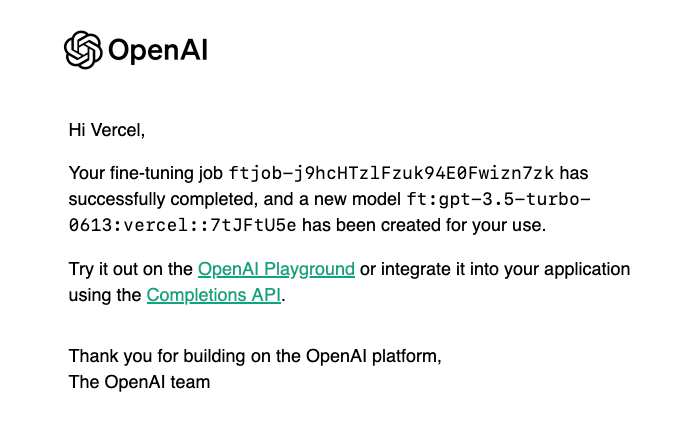
Depending on the size of your training data, this process can take anywhere between 5-10 minutes. You will receive an email from OpenAI when the fine-tuning job is complete:
To use your fine-tuned model, all you need to do is replace the base gpt-4o mini model with the fine-tuned model you got from Step 2.
Here's an example using the Vercel AI SDK and a Next.js Route Handler:
If you're using the Shooketh template, you can now run the app by running npm run dev and navigating to localhost:3000:
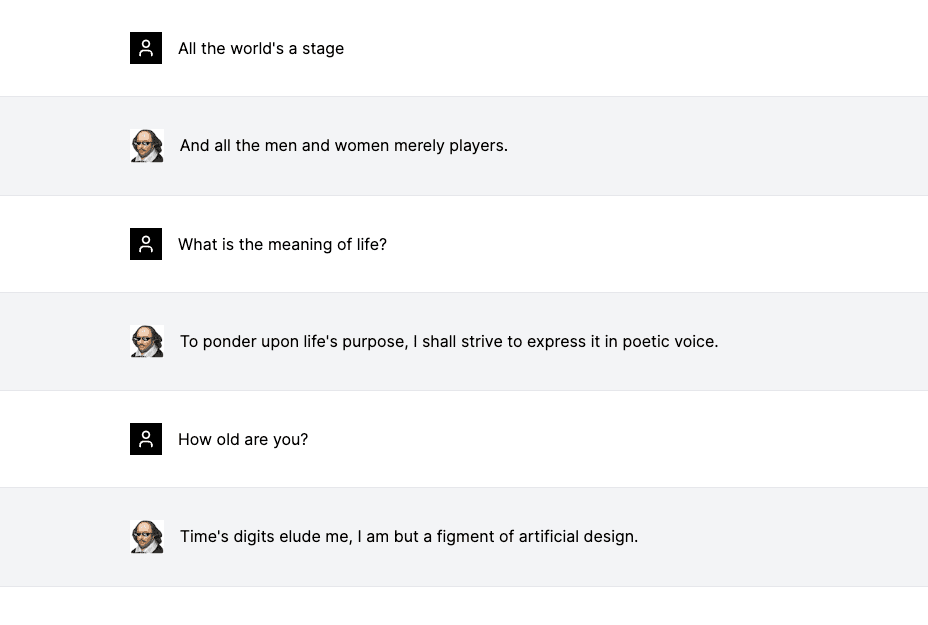
You can try out the demo for yourself here.
To show the difference between the fine-tuned model and the base gpt-4o-mini model, here's how gpt-4o-mini performs when you ask it the same questions: